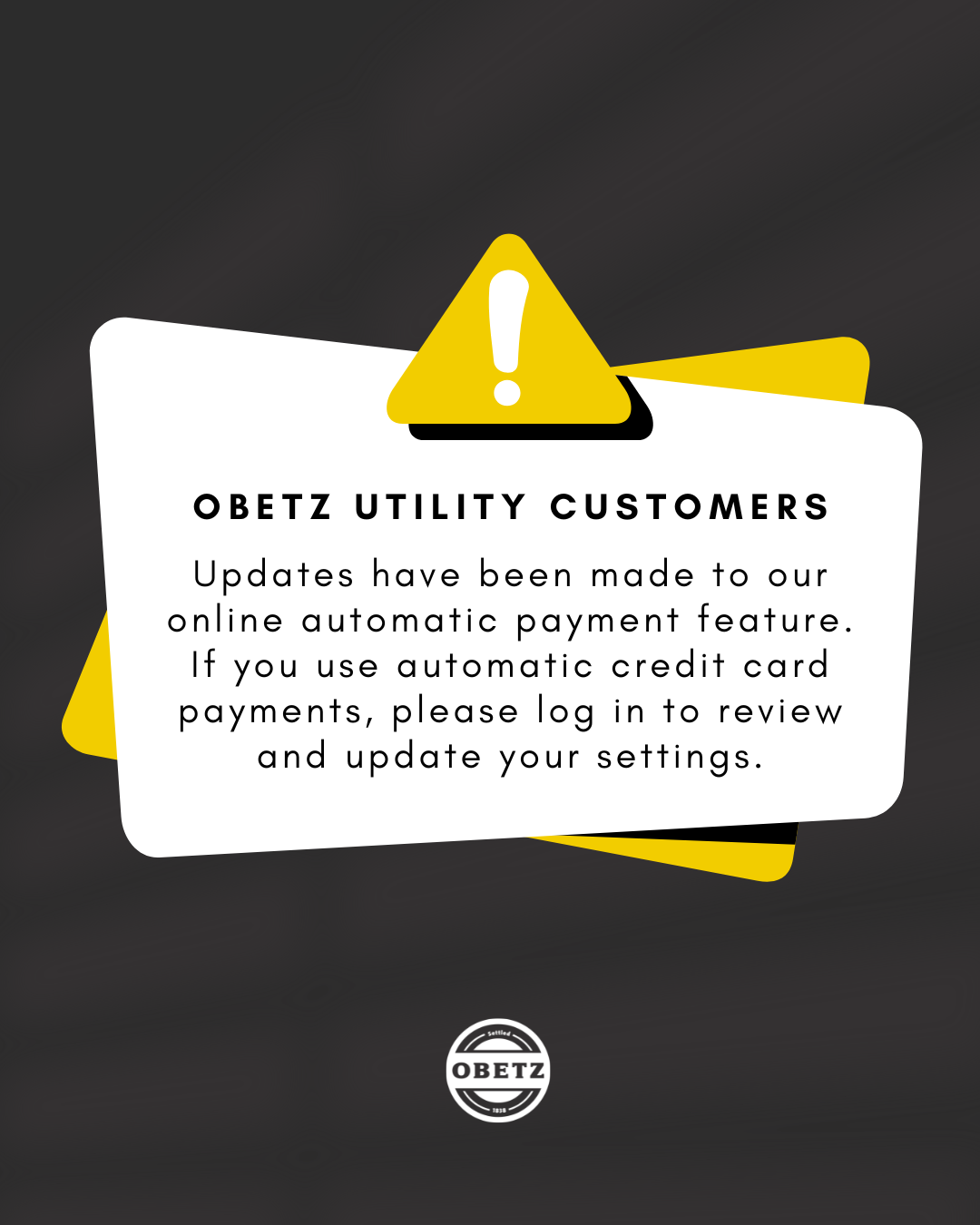

The City of Obetz has updated the automatic payment feature on its online utility payment portal. Customers who use automatic credit card payments should review their payment settings and select a new draft date to help avoid missed payments and potential service interruptions.
To update your automatic payment settings:
- Log in to the online utility payment portal.
- Select Manage Auto Pay in the top-right corner of the screen.
- Select Edit Payment.
- Choose a new draft date for your automatic credit card payments and save your changes.
Customers with questions or who need assistance should contact the City of Obetz Utilities Department at 614-491-7804.